
The complete guide
What smart app control actually adds to an air purifier day to day
Every year, more household appliances ship with an app and a voice-assistant badge on the box, and every year it gets harder to tell which of those additions genuinely change how you use the thing versus which ones just exist to justify a line on the spec sheet. Air purifiers are a decent test case, because the core job, moving air through a filter, doesn't actually need a smartphone at all. So the honest question with the Core 200S isn't "does it have an app," it's "what does the app let you do that you couldn't do by walking over and pressing a button."
What smart control replaces: walking over and checking
The most basic thing app control gives you is remote visibility. Without it, knowing whether your purifier is running, on what speed, or whether the filter needs attention means being in the room, looking at the unit. With the VeSync app connected to the Core 200S, that information is available from anywhere you have your phone: confirming it's still on sleep mode after you've left for work, checking filter status before deciding whether to order a replacement, or seeing at a glance what speed it's currently running without physically checking. None of that changes what the purifier does to the air. It changes how much friction there is in knowing and adjusting what it's doing.
Where scheduling earns its keep
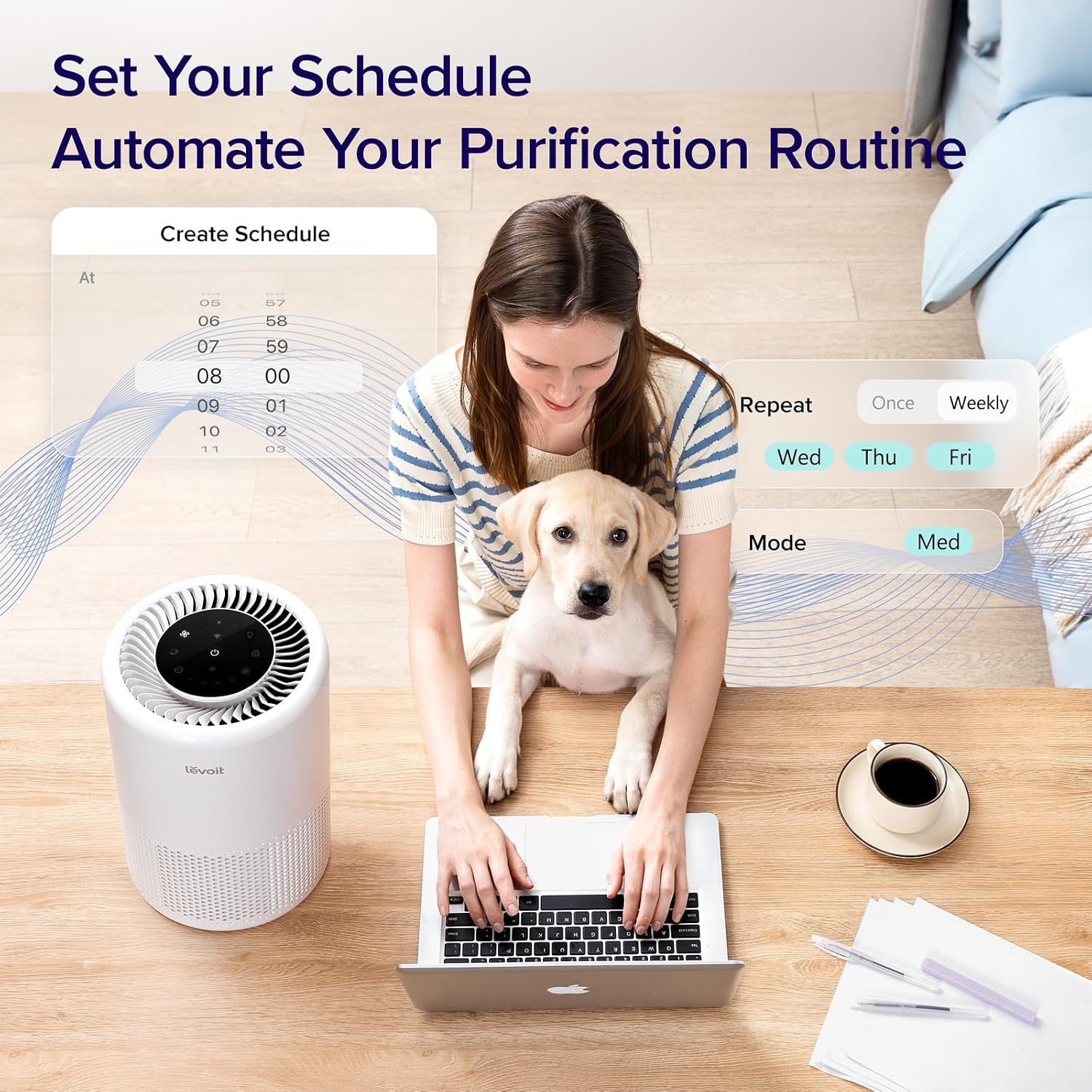
The Core 200S offers 2, 4 or 8-hour timer scheduling through the app or a connected voice assistant. The practical use case here is running the unit on a higher, faster-clearing speed for a set window, say, while you're out during the day or right after cooking, then having it drop back automatically rather than needing you to remember to change it. For a unit rated to cover 64m², a genuinely large bedroom or living space, that matters more than it would on a small desktop purifier, because there's a bigger practical difference between "running flat out" and "running on quiet sleep mode" at this size, and a bigger room means more reason to actually vary the speed rather than leaving it on one setting permanently.
Voice control through Alexa or Google Assistant adds a second entry point to the same functionality, useful specifically when your hands are full or you're already in bed and don't want to reach for a phone. It's a convenience layer on top of the app, not a separate capability.
Sleep mode is where app control and physical design meet
Ultra-quiet sleep mode running at 24dB with a dimmable display is a physical design choice, not a software one, but the app is what makes switching into and out of it frictionless. Being able to schedule sleep mode to kick in automatically each evening, rather than remembering to switch it manually, is a genuinely different experience from a purifier where quiet overnight running requires you to physically change a setting every single night. The built-in night light is a similar case: a feature that exists on the hardware, made more useful by being something you can also toggle without getting out of bed.
What the app doesn't change
It's worth being clear-eyed about the other side of this. The filtration itself, the 3-stage HEPA system rated to capture 99.97% of allergens as small as 0.3 microns, works identically whether you're controlling the unit through the app, a voice command, or the physical buttons on the unit. App connectivity doesn't make the filter more effective, and a Wi-Fi outage doesn't stop the purifier from filtering air, it just means you lose the remote control layer until the connection's back. If you're weighing this against a simpler, cheaper purifier with the same underlying filtration and no smart features, the honest comparison is purely about the convenience of remote and scheduled control, not about air quality outcomes.
Who actually benefits from the smart layer
The clearest use case is a household that's already invested in smart home habits, using Alexa or Google Assistant for other devices, and wants the purifier to fit into that same pattern rather than being the one appliance you have to walk over to operate. It's also genuinely useful for anyone managing a large room, where the difference between full-speed daytime running and quiet overnight sleep mode is worth automating rather than remembering. If neither of those describes how you'd actually use it, and you'd be happy with a purifier you walk over to and press a button on, the filtration performance on offer here is available without ever opening the app at all.
The short version
App and voice control on the Core 200S add remote visibility, scheduling and hands-free adjustment on top of a 3-stage HEPA filter rated for a 64m² room. They don't change the filtration itself, and the unit works fully without them. Where they earn their place is in scheduling sleep mode automatically, checking filter status without walking over, and fitting into a household that already runs on smart home habits. For anyone who values that kind of remote control, it's a genuine addition; for anyone who'd rather just press a button, that option is still sitting right there on the unit.